5.00
(1 Rating)

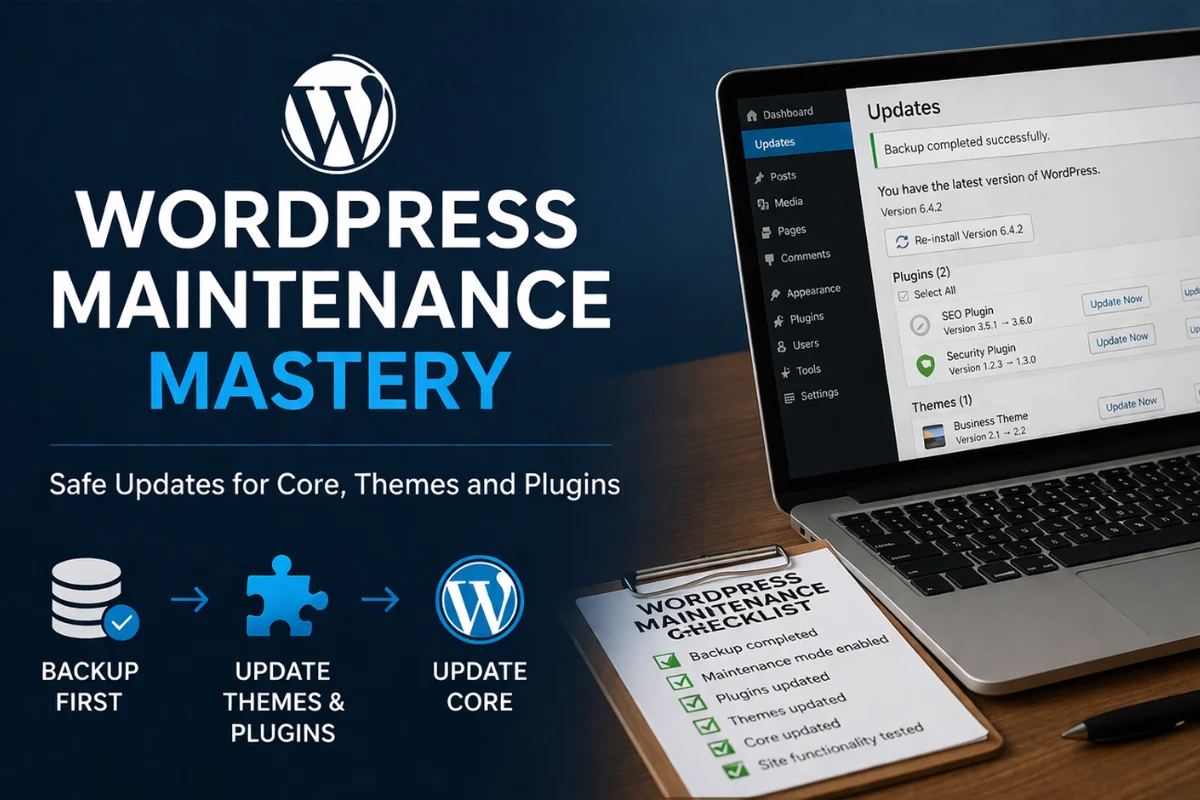
WordPress Maintenance Mastery: Safe Updates for Core, Themes and Plugins
Categories: WORDPRESS

About Course

This course teaches website owners, administrators and small business teams how to maintain a WordPress website safely and confidently. It focuses on updating plugins, themes and WordPress core in the right order, reducing risk, using backups properly, troubleshooting common issues and knowing when to escalate to expert support.

Who this course is for:

Small business owners, website managers, virtual assistants, and beginner to intermediate WordPress users who want to keep their website secure, functional, and up to date without breaking it.

Course promise:

Learn a safe, repeatable process for maintaining a WordPress website, including backups, updating themes and plugins, updating WordPress core, using maintenance mode, and handling common problems when things do not go to plan.

Show More

What Will You Learn?

  • Learn a safe, repeatable process for maintaining a WordPress website
  • The importance of backups
  • How to update themes and plugins
  • The importance of updating WordPress core
  • How and when to use maintenance mode
  • Handling common problems when things do not go to plan

Course Content

Why Website Maintenance Matters
This topic introduces the importance of regular WordPress maintenance and explains why websites cannot simply be left alone once they are live. It covers the role of core, themes and plugins, the risks of outdated software, and the value of a safe, repeatable maintenance process.

  • Why WordPress Websites Need Ongoing Maintenance
  • What Can Go Wrong When Maintenance Is Ignored
  • The Mindset of Website Maintenance

Before You Touch Anything: Prepare Properly
This topic focuses on the preparation required before making any updates to a WordPress website. It covers reviewing what needs updating, taking reliable backups, checking site functionality in advance, and making sure the website is ready for a safe maintenance session.

Best Practice for Safe WordPress Updates
This topic explains the principles behind safe update management in WordPress. It covers the correct update order, the importance of timing, and how maintenance mode can be used to reduce disruption while maintenance is being carried out.

Updating Themes and Plugins Safely
This topic walks learners through how to update themes and plugins in WordPress with care and confidence. It covers reviewing update notices, checking for risks, applying updates in a controlled way, and testing the website afterwards to ensure everything still works as expected.

Updating WordPress Core Safely
This topic explains how to update WordPress core only after themes and plugins have been addressed first. It covers why core updates matter, how to complete them safely, and what to test afterwards so the website remains stable, functional and secure.

What Happens When Things Don’t Work
This topic prepares learners for the reality that updates do not always go smoothly. It covers common post-update problems, how to recognise plugin conflicts, practical first troubleshooting steps, and when to restore from backup or seek expert help.

Creating a Repeatable Website Maintenance Routine
This topic helps learners turn one-off maintenance tasks into a practical ongoing routine. It covers maintenance frequency, reusable checklists, consistent testing habits, and how to build confidence through a clear and methodical process.

Earn a certificate

Add this certificate to your resume to demonstrate your skills and increase your chances of getting noticed.
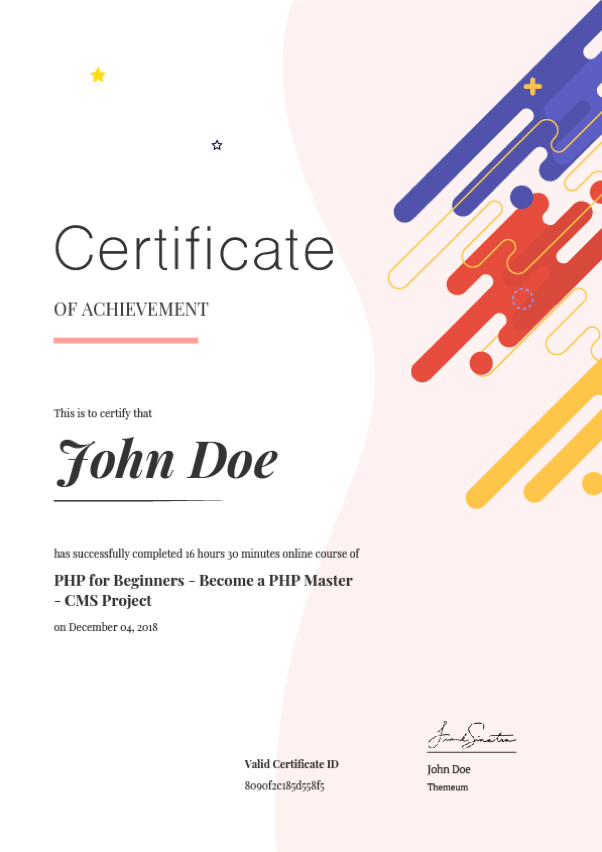
selected template

Student Ratings & Reviews

5.0
Total 1 Rating
5
1 Rating
4
0 Rating
3
0 Rating
2
0 Rating
1
0 Rating
JW
2 months ago
This was quite comprehensive. I feel more confident managing my own website updates now.